Reduce Cart Abandonment on Shopify (2026 Guide)
Every day, 7 out of 10 visitors add products to their cart and leave without buying. That's not a bug — it's the norm. The Baymard Institute puts the average at 70.22% in 2026.
The good news: most of those lost sales are recoverable. Here's what's actually causing it — and the fixes that move the needle.
Why customers abandon their carts
The Baymard Institute broke down the main reasons:
| Reason | % of Abandonments |
|---|---|
| Extra costs (shipping, taxes) | 48% |
| Required to create an account | 26% |
| Checkout process too long | 22% |
| Couldn't calculate total cost | 21% |
| Didn't trust site with payment info | 18% |
| Delivery too slow | 17% |
| Unsatisfactory return policy | 16% |
Most of these are friction problems — too many steps, not enough transparency. But notice that 18% abandon because they don't trust the site. That one's fixable today.
Build trust with badges
Lack of trust is one of the few abandonment reasons you can solve immediately, without changing your prices or logistics.
The data on badges
- +42% conversions in the Blue Fountain Media study after adding a Verisign badge
- +32% sales and -20% abandonment according to a meta-analysis of A/B tests
- +12.2% conversion rate in a recent ConversionTeam test (March 2025)
According to an Econsultancy survey, 48% of shoppers cite trust badges as one of the most important factors in their purchase decision.
Types of Badges That Work
1. Payment Security Badges
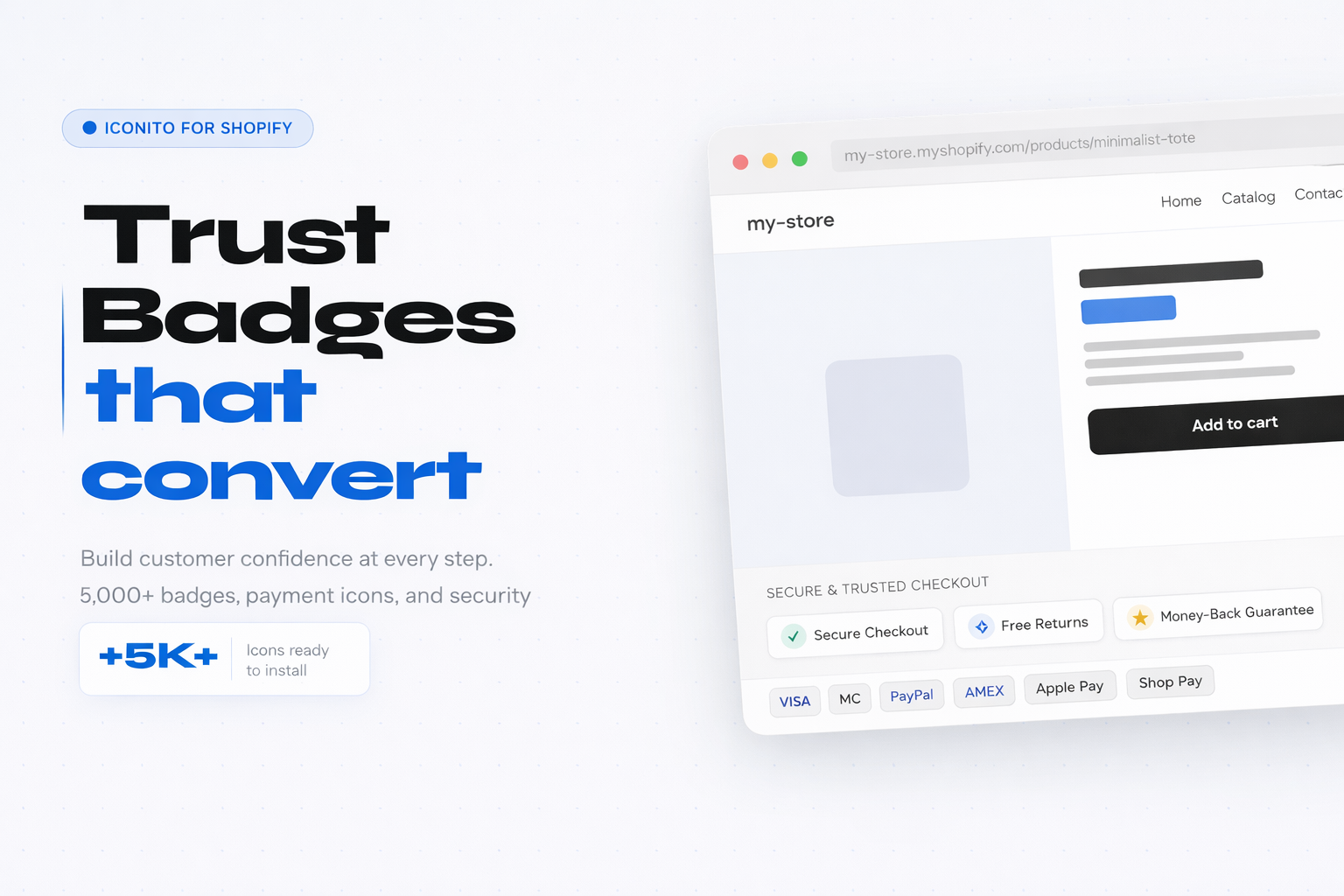
Most recognized according to CXL: PayPal (63% trust), Norton (49%), McAfee (79% recognition). On Shopify, you can display accepted payment method icons (Visa, Mastercard, Apple Pay, Shop Pay) for instant reassurance.
2. Guarantee Badges
- Money-back guarantee
- Free returns within 30 days
- 2-year warranty
These badges reduce perceived risk. If customers know they can easily return, they hesitate less.
3. Shipping Badges
- Free shipping over $X
- Express shipping available
- Order tracking included
Shipping is the #1 reason for abandonment. A visible "Free Shipping" badge can make all the difference.
Where to Place Your Badges
Placement is crucial. Tests show badges are most effective:
- Next to the "Add to Cart" button — where doubts arise
- On the cart page — last moment before checkout
- In checkout — near payment fields
Common mistake: Overloading the page with 10+ badges. Limit yourself to 3-5 relevant badges. Too many badges look spammy and reduce trust.
We see this pattern constantly with merchants using our apps — the ones who add 3-5 badges in the right spots see results within days. The ones who plaster 15 badges everywhere wonder why nothing changed.
Create urgency to trigger action
Cart abandonment is often a procrastination problem. Customers think "I'll come back later" — but never do.
Why it works
Humans feel losses twice as intensely as equivalent gains (Kahneman called this loss aversion).
A countdown timer transforms the question from "Do I want this product?" to "Can I afford to miss this offer?"
Effective Forms of Urgency
1. Limited Sale Countdowns
"This offer expires in 2h34min"
Effective for flash sales and seasonal promotions. The countdown creates a clear deadline that pushes action.
2. Shipping Countdowns
"Order in the next 3 hours for delivery tomorrow"
This is the most ethical form of urgency because it provides real value: customers know exactly when they'll receive their order.
3. Stock Indicators
"Only 3 left in stock"
Works particularly well on popular products where stock is actually limited.
Ethical urgency vs manipulation
Urgency works, but it has to be real.
What works (and stays ethical):
- Real promotions with real end dates
- Real shipping countdowns based on your actual timelines
- Real stock indicators connected to your inventory
What destroys trust:
- Fake countdowns that reset
- "Only 2 left in stock" that always shows 2
- "Last chance" promotions that last forever
Customers aren't fooled. Studies show that 76% of consumers have noticed fake urgency tactics — and it pushes them to abandon.
Simplify checkout
According to Baymard, the average checkout contains 5.1 steps and 11.3 form fields. That's way too many.
What actually moves the needle
1. Offer Guest Checkout
Required account creation is the 2nd abandonment reason (26%). Shopify allows guest checkout — make sure it's enabled and visible.
2. Reduce Fields
Each additional field is friction. Ask yourself: "Do I really need this information to process the order?"
3. Display Total Costs Early
21% of customers abandon because they can't calculate the total cost in advance. Display shipping and taxes before checkout if possible.
4. Offer Express Payment Options
Shop Pay, Apple Pay, Google Pay — these options reduce friction because information is pre-filled.
Recover abandoned carts
Even with the best optimizations, carts will be abandoned. The good news: you can recover them.
Recovery Emails
Abandoned cart emails have exceptional performance:
- 39% open rate (vs 15-20% for regular marketing emails)
- 23% click rate
- 10.7% conversion rate
According to Klaviyo, a 3-email sequence generates 6.5x more revenue than a single email.
Recommended Sequence
Email 1 (1 hour after): Simple reminder, no discount
"Did you forget something?"
Email 2 (24 hours after): Reminder + objection handling
"Have questions? Here's our return policy."
Email 3 (72 hours after): Last chance + incentive
"Your cart expires soon. Here's 10% off."
Optimize for mobile
Mobile represents over 60% of e-commerce traffic, but abandonment rates are 10% higher than on desktop.
Why Mobile Converts Less
- Smaller screens = more frustrating checkout
- Sometimes unstable connection
- Distractions (notifications, app switching)
- More laborious data entry
Mobile Optimizations
- Test your checkout on mobile — actually do it yourself
- Use large buttons — easy to tap
- Offer Apple Pay / Google Pay — avoids manual entry
- Make sure your badges are visible without scrolling
Checklist: Reduce Cart Abandonment
Here's an actionable summary:
This Week
- Add 3-5 trust badges near the buy button
- Display accepted payment icons
- Verify guest checkout is enabled
- Test checkout on mobile
This Month
- Set up an abandoned cart email sequence
- Add a shipping countdown ("Order before X for delivery by...")
- Display shipping costs earlier in the journey
- Add guarantee/return badges
This Quarter
- Analyze your data to identify where customers drop off
- A/B test different badge placements
- Implement real-time stock indicators
- Optimize mobile loading speed
Measuring Your Progress
Before optimizing, measure your current situation:
Your abandonment rate = (Carts created - Completed purchases) / Carts created × 100
Compare yourself to industry averages:
- Fashion/Apparel: 78%
- Electronics: 74%
- Food & Beverage: 64%
- Consumer Goods: 57%
A rate below your industry average is good. Above it, you have work to do — but also a great opportunity.
Tools for Shopify
To implement these strategies on Shopify:
Trust Badges Iconito offers over 5,000 customizable badges: payment icons, security badges, guarantees, and shipping. 1-click installation, compatible with all themes.
Countdowns and Urgency TicTac lets you create countdown timers for flash sales, shipping deadline indicators, and announcement bars. All code-free and mobile-optimized.
Recovery Emails Shopify Email (free up to 10K emails/month) or Klaviyo for more sophisticated sequences.
Conclusion
70% cart abandonment isn't inevitable. With the right strategies — trust badges, ethical urgency, simplified checkout, and email recovery — you can recover a significant portion of those lost sales.
Start with quick wins (badges, guest checkout) then iterate on more complex optimizations. Each percentage point gained on your conversion rate translates directly to additional revenue.
Have questions about reducing cart abandonment? Contact us — we help over 2,000 Shopify merchants optimize their conversions.